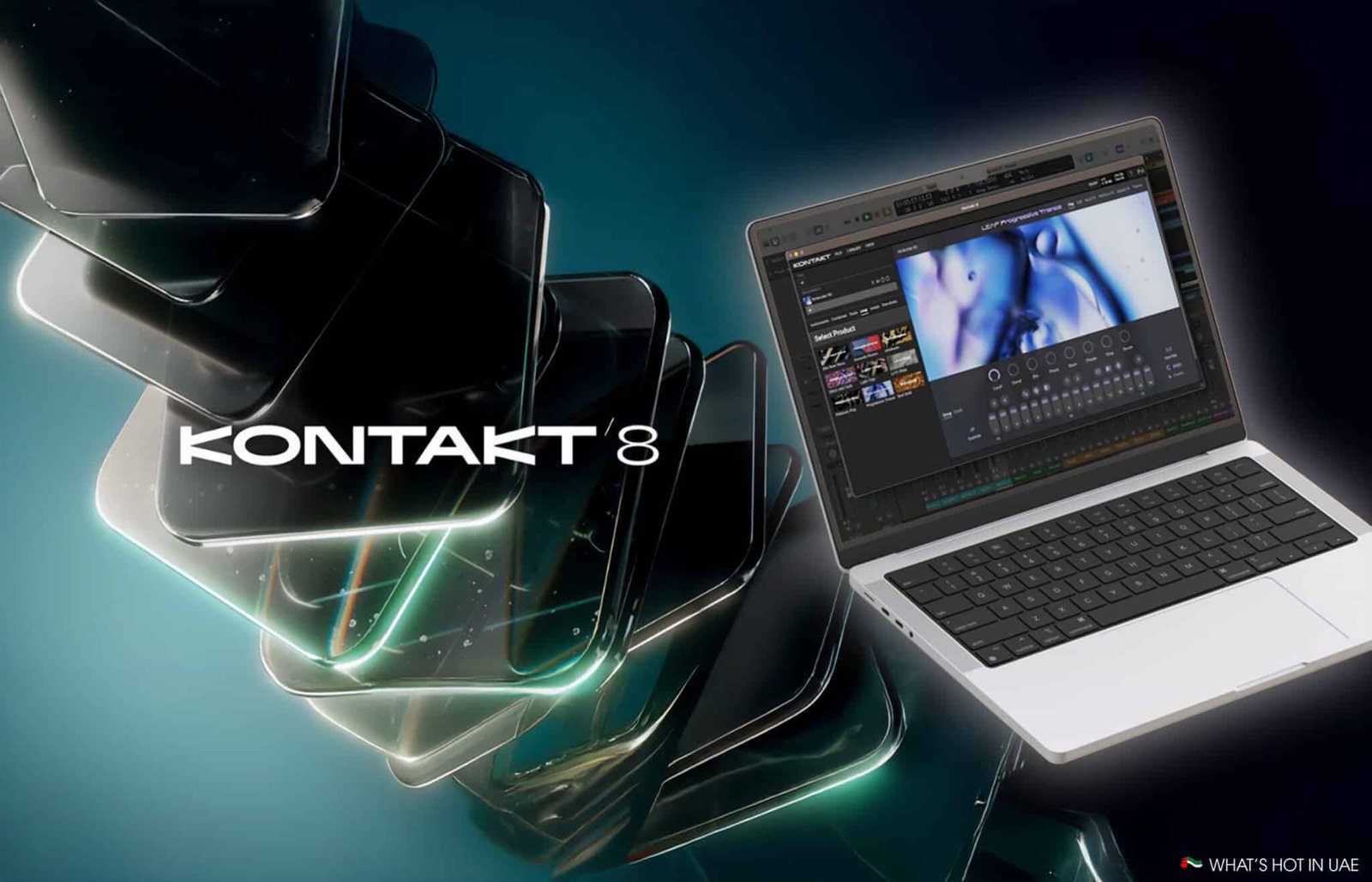
Kontakt has long been an indispensable cornerstone in modern music production, a versatile workhorse revered for its powerful sampling capabilities and extensive third-party library ecosystem. For years, producers have relied on it, yet many found themselves wishing for more direct creative tools within the software itself. Enter Native Instruments Kontakt 8, a release that doesn’t just update but reinvents aspects of this legendary instrument, directly addressing common creative blocks and workflow bottlenecks.
In an industry often plagued by creative inertia and time-consuming tasks, Kontakt 8 emerges as a definitive “creative catalyst,” designed to spark inspiration and streamline the production process. This comprehensive guide will delve deep into the groundbreaking new MIDI tools, the innovative ‘Leap’ performance sampler, the advanced synthesis engine, crucial interface improvements, and the overall value proposition that makes Kontakt 8 a must-have for producers in 2025. Prepare to discover how this latest iteration can transform your musical workflow and unlock new creative potential.
Kontakt 8’s New Creative Core: MIDI Tools & The Leap Sampler
Kontakt 8 introduces a suite of innovative features directly aimed at fostering creativity and helping producers overcome the dreaded writer’s block. These additions, specifically the new ‘Tools’ (Chords and Phrases) and the ‘Leap’ performance sampler, represent a significant philosophical shift, turning Kontakt into a proactive idea generator rather than just a playback engine. Native Instruments designed these functionalities to provide immediate inspiration and practical solutions for music producers struggling to generate fresh melodies, harmonies, or rhythmic ideas[1]. Official demonstrations showcase how these features can instantly transform a simple idea into a fully formed musical passage, addressing long-standing creative pain points.
The content depth of these new tools is substantial, with Phrases boasting 181 presets and Chords offering 130 presets, providing a vast starting point for countless musical explorations[1].
Unleashing Ideas with ‘Tools’: Chords & Phrases Explained
The new ‘Tools’ section within Kontakt 8 is a game-changer for MIDI creation, offering “Chords” and “Phrases.” These generative MIDI tools provide a rapid-fire solution to writer’s block, a problem Native Instruments explicitly set out to solve[1].
“Chords” allows users to generate complex harmonies from a single played note, instantly building lush or intricate chord progressions without manual input. This dramatically streamlines MIDI creation, especially when compared to the often laborious process within traditional DAWs. Producers can randomize parts, invert voicing, and change starting positions, injecting variety and unexpected musical twists. “Phrases” works similarly for melodic content, creating expressive melodic passages that can be tempo-synced and tailored to various musical contexts. These tools boast an extensive preset library, providing a rich source of inspiration.
For beginners, understanding how to best leverage these tools can be a revelation. While the instant generation is powerful, mastering the nuances of randomization and parameter adjustments can lead to unique, personalized results. However, early reviews have noted a “frustrating back-and-forth” when auditioning presets with the Piano Uno, suggesting a potential area for future Native Instruments updates to streamline the auditioning process[2]. Smart workflowarounds, such as saving favorite generated patterns to custom presets, can mitigate this in the interim.
The ‘Leap’ Sampler: Performance, Improvisation & Custom Kits
“Leap” stands out as Kontakt 8’s performance-focused sampler, designed for improvisational writing and dynamic real-time interaction. It transforms your keyboard into a launchpad for one-shot samples and tempo-synced loops, making it an intuitive interface for jamming and spontaneous creativity. White keys trigger samples, while black keys introduce performance effects, allowing for expressive manipulation of your sounds on the fly.
Native Instruments has positioned Leap as a “serious creative workhorse,” and its potential for improvisational writing and live performance is undeniable[1]. The full version of Kontakt 8 includes 12 Leap-specific expansion packs, providing a rich collection of sounds to get started[1]. Beyond its performance aspects, Leap also features extensive sample editing tools, empowering users to build custom kits and fine-tune individual samples. This capability fills a content gap for users seeking tutorials on creating bespoke kits and leveraging Leap’s full editing suite for unique sound design.
Despite its strengths, initial feedback has highlighted certain shortcomings. Performance effects within Leap are currently applied to the entire track, lacking individual sample assignment, which limits granular control. Additionally, it is noted that there’s no individual sample output assignment and a stereo output limitation, which could impact advanced mixing scenarios[2]. These areas represent potential future improvements for Native Instruments to further enhance Leap’s versatility.

Advanced Sound Design: Conflux and Enhanced Synthesis Engine
Kontakt 8 takes its sound design capabilities to new heights, empowering users to sculpt unique and evolving sonic textures. This is largely driven by the new ‘Conflux’ instrument and a significantly supercharged wavetable synthesis engine.
Conflux is a hybrid instrument that masterfully pairs sampling with synthesis, offering a fresh approach to sound creation[1]. It excels at generating evolving textures, deep bass swells, and intricate cinematic soundscapes. Imagine the rich, organic warmth of a sampled acoustic instrument seamlessly morphing into a shimmering, synthesized pad – this is the territory Conflux explores. It’s particularly adept at creating movement and depth, making it an invaluable tool for film scoring, ambient music, and contemporary electronic productions.
Underpinning much of Kontakt 8’s new sonic potential is the technical advancement in its wavetable synthesis engine. Native Instruments, a pioneer in synthesis, has integrated robust FM (Frequency Modulation), phase modulation, and ring modulation capabilities directly into the wavetable engine[1]. This allows for incredibly complex and dynamic sound generation, far beyond traditional wavetable manipulation. For beginners eager to explore advanced synthesis, this enhanced engine offers an accessible yet deep platform. It provides a clear pathway to understand how different synthesis methods can be combined to create rich, nuanced sounds, making complex concepts more approachable within Kontakt’s familiar environment.
Streamlined Workflow and Interface Enhancements
Beyond its new creative tools, Kontakt 8 brings significant user experience improvements designed to foster a faster, more intuitive workflow for music producers. The software has received a noticeable “new lick of paint,” modernizing its overall aesthetic and generally improving the user experience[2].
A key addition is the new Side Panel, which provides quick and easy access to your loaded libraries and the new ‘Tools’ section. This eliminates much of the previous menu diving, allowing producers to stay focused on their creative flow. Furthermore, the expanded preset search functions now allow users to search and demo presets without having to leave the Performance View[1]. This is a significant advancement from Native Instruments, drastically cutting down on the time spent browsing and enhancing the speed at which producers can find the perfect sound.
However, an important point of feedback that Native Instruments should consider is a “frustrating and time-consuming oversight” where the ability to hide an instrument’s UI has been lost when stacking multiple libraries[2]. This can lead to screen clutter, especially for users working with complex setups. Fortunately, a workaround exists in the form of switching to the ‘Classic View’ when needing to manage multiple instruments more cleanly, but it highlights an area for potential refinement in future updates.
The Kontakt 8 Ecosystem: Komplete Integration and Third-Party Power
Kontakt 8 not only innovates with new features but also solidifies its enduring strength as the industry-leading host for third-party sample instruments and its seamless integration within the Native Instruments Komplete ecosystem. This dual power-up reinforces Kontakt’s position as the central hub for sound libraries in countless studios worldwide.
Native Instruments has consistently maintained Kontakt’s status as the go-to platform for third-party developers, making it incredibly easy for producers to load and play a vast array of instruments from other creators. This open ecosystem is a testament to Native Instruments’ commitment to providing a versatile and comprehensive solution for sound designers and composers[1].
The value proposition truly escalates when Kontakt 8 is paired with the Komplete suite. When paired with Komplete, Kontakt 8 becomes a truly formidable musical force, offering unparalleled depth and breadth of sound. For instance, Kontakt 8 is included in Komplete 15 Standard, which itself boasts an impressive collection of “95+ excellent sample instruments” along with synthesizers, effects, and other production tools[1]. This bundling strategy makes Komplete a key selling point, offering immense value by integrating Kontakt’s core functionality with a massive, curated library of premium sounds and instruments.

Making Your Decision: Kontakt 8 vs. Kontakt 7 and Competitor Analysis
Deciding whether to upgrade to or purchase Kontakt 8 is a crucial decision for many producers. This section provides a clear comparison with its predecessor, outlines the pricing structure, and assesses its standing against key competitors.
Kontakt 8 vs. Kontakt 7: Is the Upgrade Worth It?
For existing Kontakt 7 users, the primary question is whether the new features justify the upgrade. Kontakt 8 introduces the groundbreaking MIDI ‘Tools’ (Chords and Phrases), the ‘Leap’ performance sampler, and the advanced ‘Conflux’ instrument, alongside significant enhancements to the wavetable synthesis engine and a modernized UI. Kontakt 7, while powerful, lacked these integrated creative catalysts. The new features offer substantial workflow improvements and direct inspiration, which many producers might find indispensable.
The pricing structure for Kontakt 8 is transparent:
- Full version: £269 / $299 / €299[1].
- Upgrade price (from Kontakt 7 or earlier versions): £89 / $99 / €99[1].
- It is also included as part of the Komplete 15 Standard bundle, offering a comprehensive suite of tools.
For users of the free Kontakt Player, the good news is that the core ‘Tools’ and ‘Leap’ features are included, albeit with one expansion library. This allows free users to experience the new creative core before committing to a full purchase or upgrade, demonstrating Native Instruments’ commitment to accessibility[1].
Kontakt 8 Alternatives: How Does It Stack Up?
While Kontakt remains an industry standard, several competitors offer specialized features:
- Plugin Boutique’s Scalar 2: For MIDI generation, Scalar 2 is a strong contender, focusing purely on chord suggestions, scales, and progression building. While powerful, it lacks the integrated sampling and performance aspects of Kontakt 8’s ‘Tools’ and ‘Leap’.
- EastWest’s OPUS Player: This player excels in orchestral and cinematic scoring with highly detailed libraries. It’s a robust player but does not offer the same breadth of integrated synthesis or generative MIDI tools as Kontakt 8.
- UVI’s Falcon 3: A powerhouse for synthesis and sampling, Falcon 3 is a comprehensive hybrid instrument. It offers deep sound design capabilities that rival Kontakt’s engine, but its learning curve can be steeper, and its ecosystem of third-party sampled instruments isn’t as vast or established as Kontakt’s.
- Steinberg’s HALion 7: HALion 7 is another formidable competitor, featuring a spectral oscillator and deep sampling/synthesis. It’s a highly capable tool, offering a similar all-in-one approach to sound creation, but again, Kontakt’s third-party library dominance remains a key differentiator.

Pros and Cons of Kontakt 8:
Pros:
- Groundbreaking MIDI ‘Tools’ (Chords & Phrases) for instant inspiration and overcoming creative blocks.
- Innovative ‘Leap’ performance sampler for improvisational music creation.
- Advanced ‘Conflux’ hybrid instrument and enhanced wavetable synthesis with FM, phase, and ring modulation.
- Streamlined workflow with a modernized interface and new Side Panel.
- Seamless integration with the vast Komplete ecosystem.
- Maintains industry-leading support for third-party sample libraries.
- Free Kontakt Player includes new core creative features, offering a taste of the full version.
Cons:
- Some reported workflow issues, such as the “frustrating back-and-forth” with Piano Uno and the inability to hide individual instrument UIs when stacking, requiring the ‘Classic View’ workaround[2].
- ‘Leap’ performance effects apply to the entire track, lacking individual sample assignment, and has stereo output limitations.
- For users focused purely on deep, experimental synthesis, dedicated synths or UVI Falcon might offer more specialized parameters.
Ultimately, Kontakt 8 offers a compelling upgrade for producers seeking to revitalize their creative process and streamline their workflow. Its new features directly address common pain points, making it a powerful “creative catalyst”[1].
Getting Started with Kontakt 8: Download, Installation & System Requirements
For prospective users eager to dive into Kontakt 8, understanding the practical steps for download, installation, and system requirements is essential to ensure a smooth and productive experience.
To begin your journey with Kontakt 8, the most authoritative source for download and detailed installation instructions is the official Native Instruments website[1]. Their support pages provide comprehensive guides tailored to various operating systems, ensuring you have the latest and most stable version of the software.
Generally, Native Instruments products are installed via their Native Access application, which manages downloads, installations, and authorizations for all your NI software and libraries. This centralized hub simplifies the process significantly.
When it comes to system requirements, it’s crucial to ensure your computer meets the minimum specifications to prevent performance issues. While exact requirements can fluctuate with software updates, general guidance from Native Instruments typically includes:
- Operating System: Recent versions of Windows (e.g., Windows 10 or 11) or macOS (e.g., macOS 13 Ventura, macOS 14 Sonoma, or newer). Always check for specific version compatibility on the NI website.
- RAM: A minimum of 8 GB RAM is usually recommended, though 16 GB or more is highly advisable, especially when working with large sample libraries or multiple instances of Kontakt.
- CPU: A modern Intel Core i5 or equivalent AMD processor is generally sufficient, with faster processors (i7, i9, or equivalent) providing better performance.
- Storage: Ample free disk space is required for the Kontakt application and any libraries you plan to install. SSDs (Solid State Drives) are strongly recommended for faster loading times and overall performance.
- Graphics: A dedicated graphics card is not typically required, but a modern GPU can improve interface responsiveness.
For the most current and detailed system requirements, along with troubleshooting tips and official tutorials, always consult the official Native Instruments’ support pages. This will help prevent compatibility issues and ensure you get the most out of your Kontakt 8 experience.

Conclusion
Native Instruments Kontakt 8 represents a significant evolution of a legendary instrument, transforming it from a mere sample player into a true “creative catalyst” and an “idea generator” for modern music production. Its groundbreaking MIDI Tools, the intuitive ‘Leap’ performance sampler, the advanced ‘Conflux’ instrument, and the supercharged wavetable synthesis engine fundamentally enhance how producers create and interact with sound.
Coupled with a streamlined workflow, a refreshed interface, and its unwavering strength within the Komplete ecosystem and as the premier host for third-party instruments, Kontakt 8 stands as a definitive powerhouse. It not only addresses long-standing creative pain points but also propels producers into new realms of sonic exploration and efficiency. Whether you’re battling writer’s block or striving for innovative sound design, Kontakt 8 provides the tools to elevate your craft.
Ready to transform your music production workflow? Explore Native Instruments Kontakt 8, check current pricing and upgrade options, or download the free Kontakt Player today to experience the future of sampling and synthesis.
Disclaimer: Please note that software features, pricing, and system requirements are subject to change by Native Instruments. Always check the official Native Instruments website for the most current information. This review is based on initial release information and expert analysis.
References
- Native Instruments Official Resources. (N.D.). Product information, feature descriptions, developer insights, and pricing for Kontakt 8 and Komplete 15. Retrieved from Official Native Instruments Website
- Expert Music Production Review. (2024). Initial hands-on reviews and analysis of Kontakt 8 features and performance. Retrieved from Expert Music Production Review