

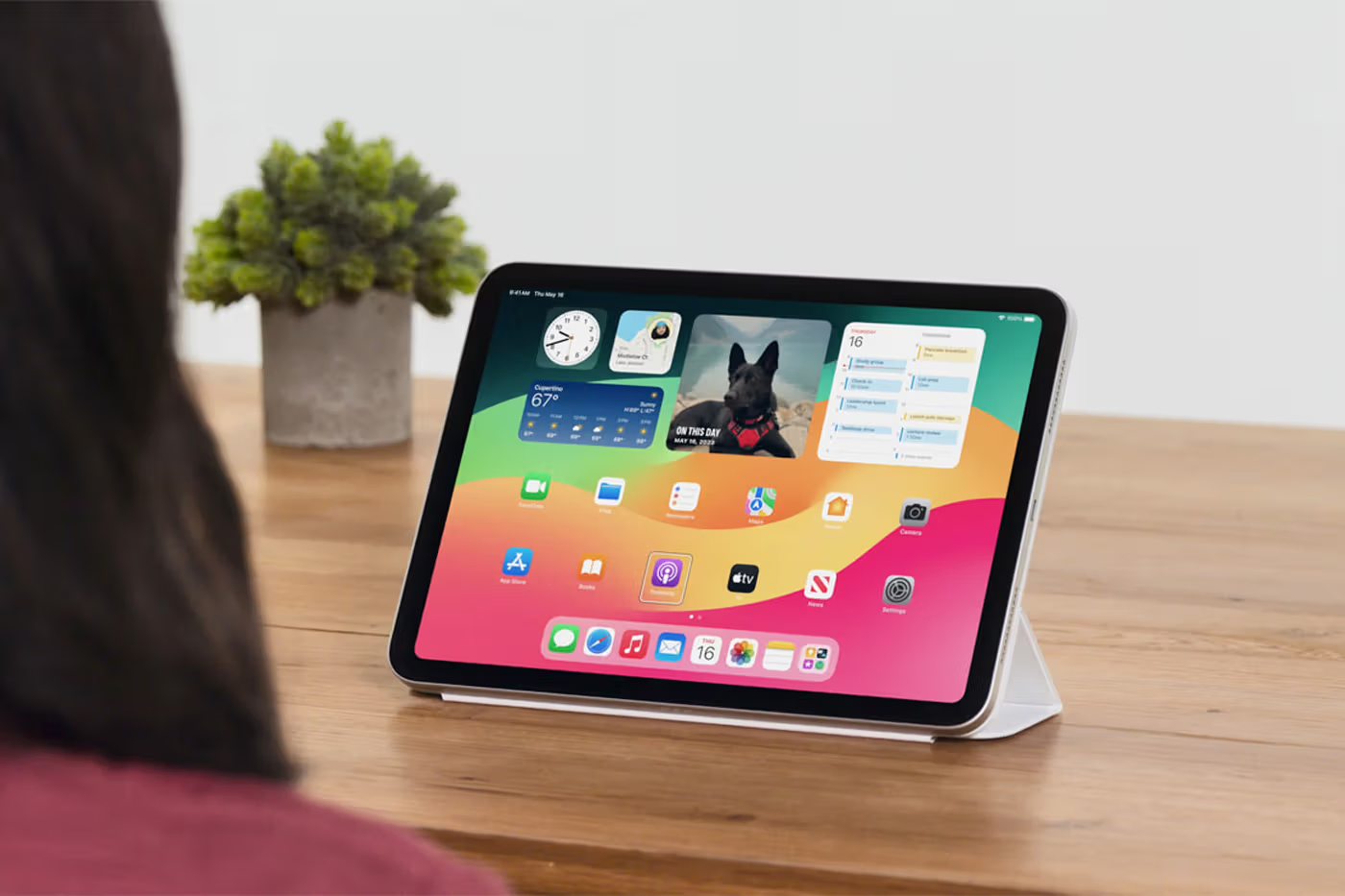
Apple has always been at the forefront of technological innovation, and its latest announcement further solidifies its commitment to accessibility. When Apple Introduces Eye-Tracking in iOS 18 & iPadOS 18, it becomes news everywhere.
In an effort to make technology more inclusive, Apple has unveiled new accessibility features as part of iOS 18 and iPadOS 18. These updates are set to be released later this year. The features include revolutionary eye-tracking capabilities, music haptics, vocal shortcuts, and enhanced speech recognition. They are designed to assist users with various disabilities.

Eye-Tracking Technology
One of the most groundbreaking additions to Apple’s suite of accessibility tools is the introduction of eye-tracking technology. This feature allows users to control their iPhone or iPad using just their eyes. According to Apple, the front-facing camera is used to set up and calibrate the feature within seconds. The data utilised for this process is kept securely on the device, thanks to on-device machine learning, ensuring user privacy. Apple emphasises that this data is not shared with the company.
Eye-tracking enables users to navigate through app elements using eye movements. Additionally, users can use Dwell Control to activate specific functions. This includes interacting with physical buttons, swipes, and other gestures. All of these are accomplished solely through eye movements.
This innovation holds significant potential for individuals with physical disabilities, providing a more accessible way to interact with their devices without needing additional hardware or accessories.

Music Haptics
Another innovative feature is Music Haptics, designed to enhance the music experience for deaf or hard-of-hearing users. By enabling this feature, the Taptic Engine in the iPhone generates taps, textures, and refined vibrations. These correspond to the audio of the music being played. Consequently, this allows users to feel the rhythm and beat of the music. Thus, it makes the experience more immersive and enjoyable.
Apple has integrated Music Haptics across millions of songs available in Apple Music’s catalogue. Additionally, the company is providing an API for developers, enabling them to make their music and applications more accessible to a wider audience. This development opens up new possibilities for creating inclusive musical experiences and applications.
Vocal Shortcuts
Expanding on its voice control capabilities, Apple has introduced Vocal Shortcuts. This feature allows iPhone and iPad users to assign customised utterances that Siri can understand, enabling them to launch shortcuts and complete complex tasks with ease. This enhancement is particularly beneficial for users with speech impairments, as it provides a more flexible and personalised way to interact with their devices.
Listen for Atypical Speech
Apple’s commitment to accessibility is further demonstrated by the introduction of the Listen for Atypical Speech feature. This new functionality is designed to assist users with acquired or progressive conditions that affect speech, such as cerebral palsy, amyotrophic lateral sclerosis (ALS), or stroke. By leveraging advanced speech recognition software, this feature allows users to communicate more effectively with their devices, ensuring that their speech is accurately recognised and understood.
Historical Context and Commitment to Accessibility
Apple’s dedication to accessibility is not new. The company has a long history of incorporating features that make its devices more usable for people with disabilities. From VoiceOver, a screen reader for visually impaired users, to Switch Control, its features have consistently prioritised inclusivity. These enable users with motor skill impairments to navigate their devices using adaptive accessories.
With the launch of iOS 18 and iPadOS 18, Apple continues this tradition by introducing features that harness the power of artificial intelligence and machine learning to break down barriers and create a more inclusive digital environment. These advancements are not only a testament to Apple’s technological prowess but also to its unwavering commitment to making technology accessible to everyone.

Conclusion
Apple’s new accessibility features in iOS 18 and iPadOS 18 represent a significant leap forward in making technology more inclusive. By integrating eye-tracking, music haptics, vocal shortcuts, and enhanced speech recognition, Apple is empowering users with disabilities to interact with their devices in new and meaningful ways. These innovations highlight Apple’s dedication to accessibility and its ongoing mission to ensure that technology serves all users, regardless of their physical or cognitive abilities. Apple Introduces Eye-Tracking in iOS 18 & iPadOS 18.