Craig Federighi isn’t one to take a slow start. Apple WWDC 2025 kicked off with a cinematic intro straight out of a Brad Pitt F1 blockbuster—because it was. The opening sequence featured Craig racing around Apple Park in an F1 car, with Tim Cook on team radio, all to promote Apple Original’s upcoming film F1…
Craig Federighi isn’t one to take a slow start. Apple WWDC 2025 kicked off with a cinematic intro straight out of a Brad Pitt F1 blockbuster—because it was. The opening sequence featured Craig racing around Apple Park in an F1 car, with Tim Cook on team radio, all to promote Apple Original’s upcoming film F1 starring Brad Pitt, set for release on 27 June. But this was more than clever promotion—it set the pace for one of the most innovative and ambitious Apple keynotes in recent history.
Let’s dive into every confirmed announcement, feature, and upgrade—strictly factual, all from Apple’s official broadcast and documentation, and spanning every device platform Apple commands.
Apple Intelligence Gets Sharper, Smarter, and More Ubiquitous
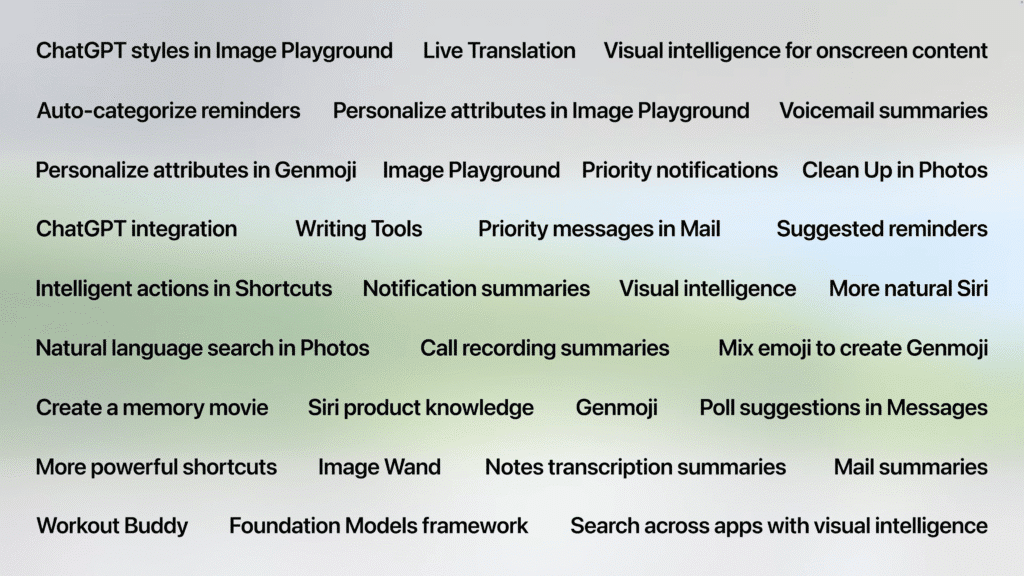
Apple Intelligence, introduced last year, received a foundational upgrade in 2025. At its core: privacy, contextual awareness, and tighter integration across apps, devices, and system features.
What’s New:
- Private Cloud Compute: Still a cornerstone—offloads tasks to secure cloud servers when device power isn’t enough, but Apple (or anyone else) still can’t access your data.
- Expanded Language Support: Apple Intelligence now works in more languages across the OS ecosystem.
- On-Device Foundation Models Framework: This is a game-changer—developers can directly tap into Apple’s large language models, all processed on-device, without API fees or latency.
- Smarter App Integrations: Apps like Kahoot and AllTrails showcased direct uses of Apple Intelligence. Expect tailored quizzes, recommendations, and content generation—all offline.
Liquid Glass – A Unified Visual Language Across All Devices
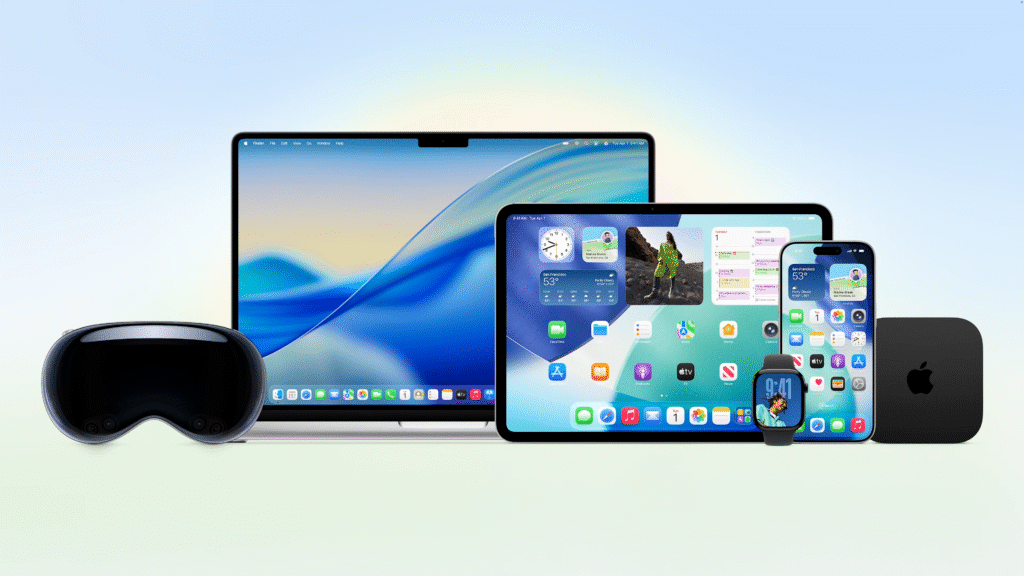
For the first time, Apple introduced a design language that permeates iOS, iPadOS, macOS, visionOS, tvOS, and watchOS. Dubbed Liquid Glass, the design features a blend of translucency, refraction, and dynamic responsiveness that mimics real glass but is entirely digital.
- App icons adapt to light/dark modes and even offer a clear mode.
- Widgets and docks use the new Liquid Glass styling.
- Control centers, notifications, and tab bars now react fluidly to user interaction.
This update also comes with unified versioning: every platform this year ships as version 26.
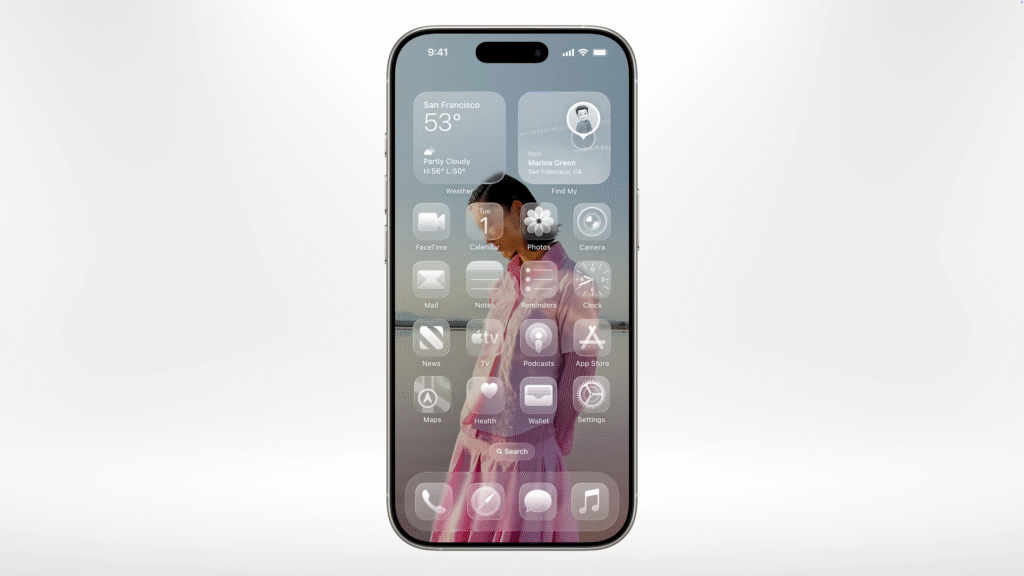
iOS 26 – A Huge Visual & Functional Overhaul for Apple WWDC 2025
With iOS 26, Apple has blended beauty with power:
Lock Screen
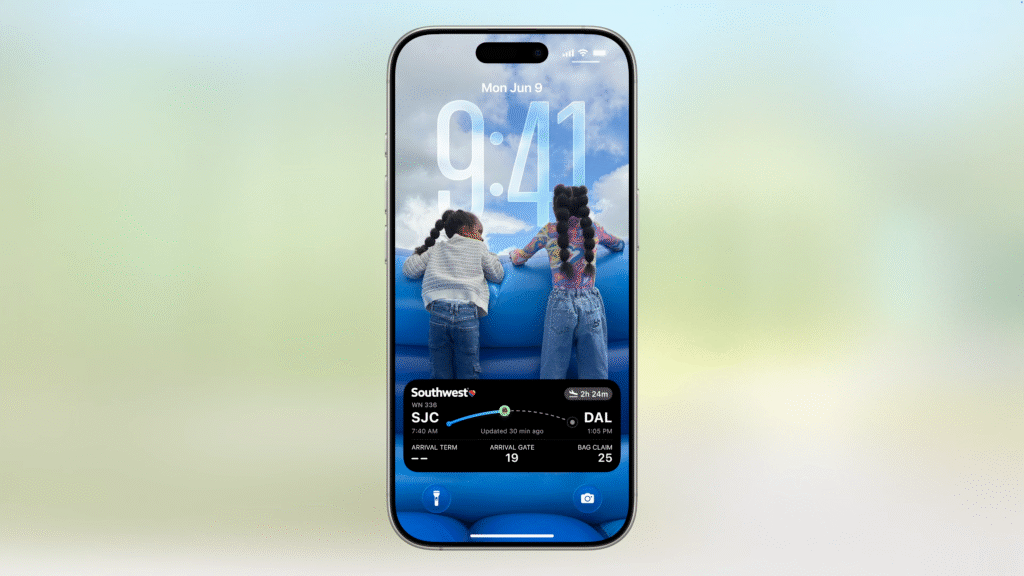
- Spacial 3D Photo Effects: 2D photos turn into dynamic, responsive scenes.
- Adaptive Clock Design: The time now reshapes to fit within the photo’s negative space.
- New Music UI: Album art integrates directly into playback controls with Liquid Glass animations.
Camera
- Simplified Layout: Only core modes (Photo/Video) are presented by default.
- Quick Toggles: Swipe gestures reveal cinematic, portrait, aspect ratios, resolution selectors.
Safari
- Edge-to-Edge Design: Tabs float. Interface stays out of the way.
- Redesigned Tab Bar: Shrinks during scroll. Expands contextually.
FaceTime
- Floating Controls: Located bottom-right and disappear when not in use.
Phone App
- Unified Layout: Combines Recents, Voicemail, and Favorites.
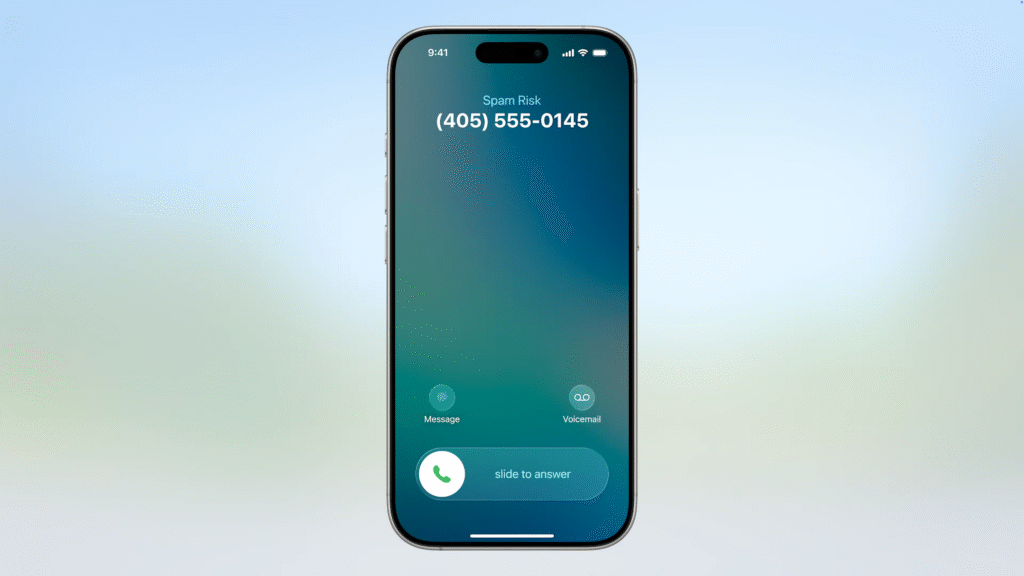
- Unknown Caller Screening: Auto-answers, transcribes reason, and rings only if relevant.
- Hold Assist: Device stays on hold and notifies when a human responds.
Messages
- Custom Backgrounds: Shared dynamic backgrounds per chat.
- Polls in Group Chats: Natively integrated.
- Typing Indicators in Groups: Long-requested and now confirmed.
- On-device Spam Detection & Sender Screening: You control who makes your inbox.
Apple Pay & Wallet
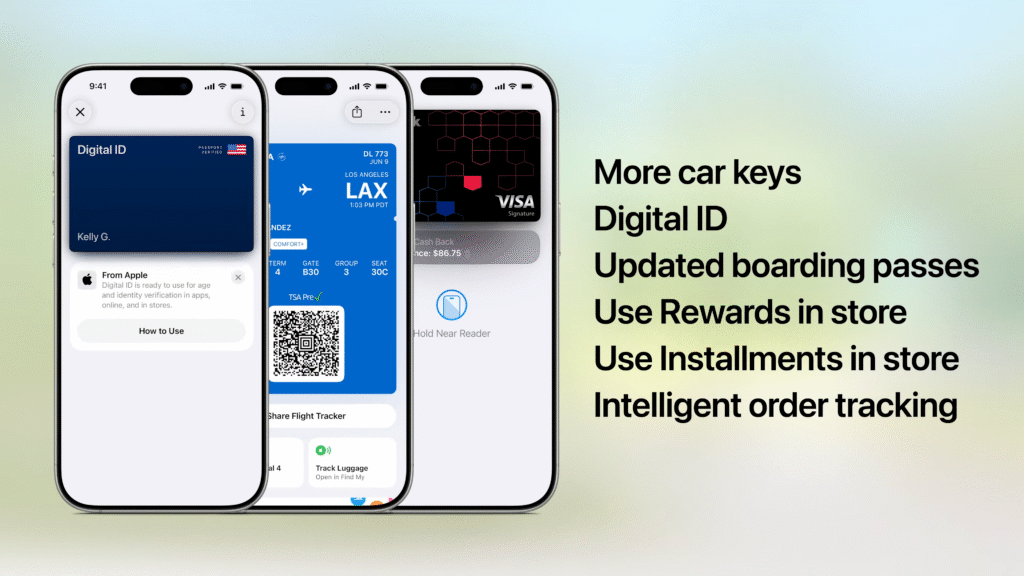
- Pay with Points in Stores: Not just online anymore.
- Order Tracking for Any Purchase: Email parsing builds live dashboards.
- Digital IDs from U.S. Passports: TSA-ready. Domestic travel use.
- Car Keys & Boarding Pass Enhancements: Visual redesign + Find My support.
Live Translation
- On-Device Real-Time Translation: In Messages, Phone, and FaceTime—even with non-iPhone recipients.
Visual Intelligence
- Works Across Any App: Screenshot gesture now pulls up a Live Text-style feature set.
- Recognise Objects, Events, Text: Search visually, extract data, create events, or ask ChatGPT.
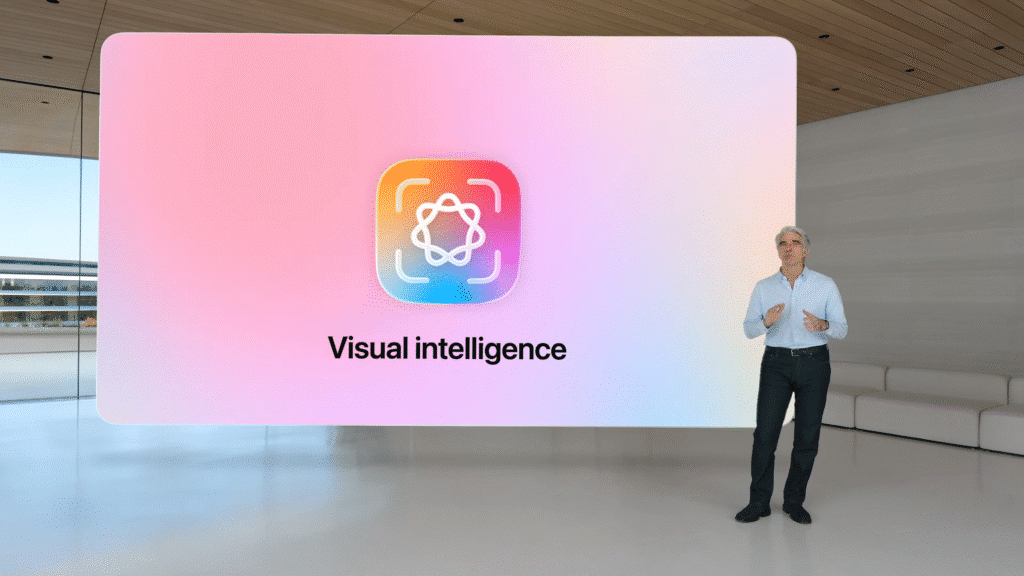
Craig Federighi at Apple WWDC 2025
Gaming
- Dedicated Games App: Arcade tab, Game Library, Play Together tab for social gaming.
- Challenges Feature: Score-based contests in both App Store and Arcade games.
CarPlay
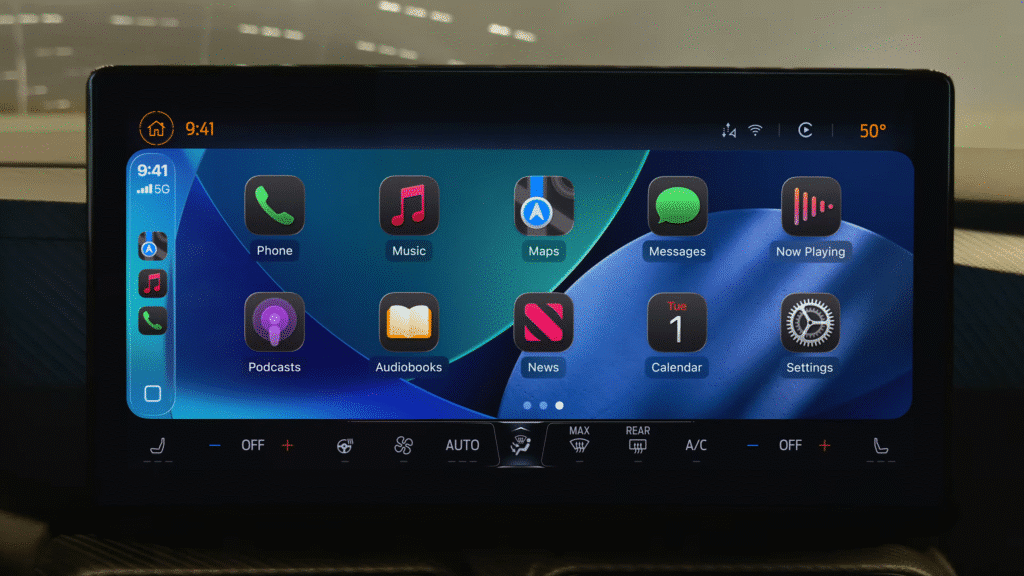
- Widgets in Car: Glanceable iOS widgets now appear in supported vehicles.
- Compact Incoming Call UI: Minimalist layout for maps priority.
- CarPlay Ultra: Unifies screen experience. First vehicles now shipping.
iPadOS 26 – Multitasking Reinvented for Apple WWDC 2025
Apple finally brought true windowing to iPad:
- Resizable Windows: Drag corner to snap, tile, or resize.
- App Exposé: View all windows in a single space.
- Menu Bar: Traditional Mac-style for iPad apps.
- Dock Folders + File Previews: Organised, tappable access to file systems.
Preview Comes to iPad
- Edit PDFs and images using Mac’s favourite native tool.
Audio & Video Pro Features
- Audio Input Selector: Choose mics per app.
- Voice Isolation: Works in all apps.
- AirPods Studio Recording: Record podcast-quality vocals.
- Local Video Capture for Calls: Each user’s audio/video recorded separately for high-quality post edits.
- Background Tasks: Run exports or processes even when switching apps.
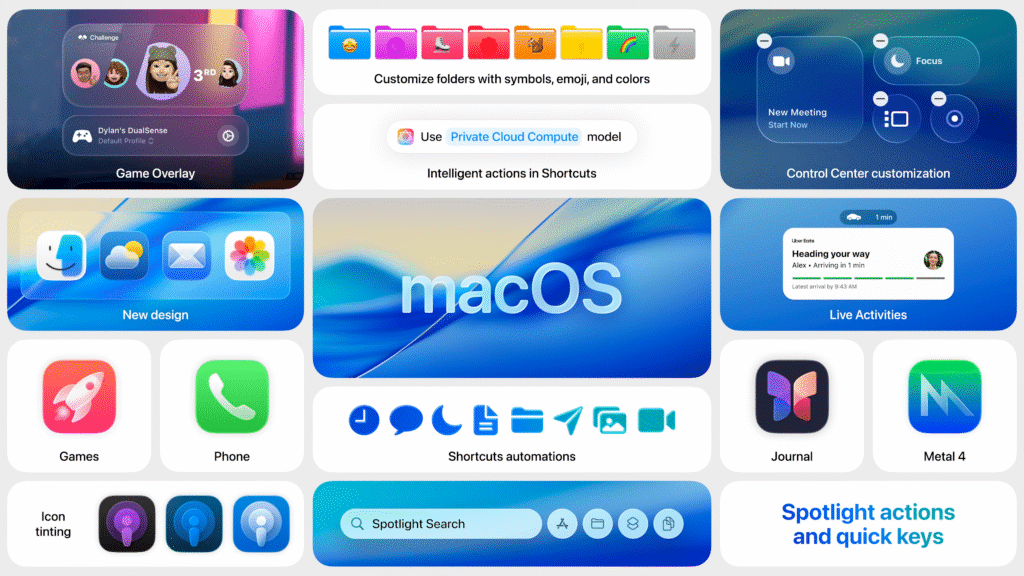
macOS 26 – Meet macOS Tahoe
New version. New name. Same precision:
Design
- Liquid Glass Theme: Menu bar is now fully transparent.
- Custom Folder Colours & Icons: Create visual file identity.
Continuity
- Live Activities from iPhone: Uber Eats, flights, etc. now show on Mac menu bar.
- Phone App for Mac: Complete with Contact Posters, Hold Assist, Call Screening.
Spotlight
- Quick Keys: Shortcodes (e.g. “sm” for “Send Message”).
- System and App Actions: Hundreds of actions callable from Spotlight.
- App Launch from iPhone via Mirroring: Launch iOS apps directly.
- Clipboard History: Returns in Spotlight interface.
Shortcuts
- Automated Scheduling: Trigger by time, file change, or display connection.
- Apple Intelligence Access: Build smart automation with summarisation, classification, ChatGPT.
watchOS 26 – Powered by Workout Buddy
- Workout Buddy: Uses AI to comment, encourage, and guide based on fitness history. Text-to-speech motivational feedback.
- Smart Stack Enhancements: Context-aware suggestions (e.g. launch workout at gym).
- Wrist Flick Gesture: New wrist motion dismisses or silences.
- Live Translation in Messages: Just raise your wrist.
- Notes App: Finally lands on Apple Watch.
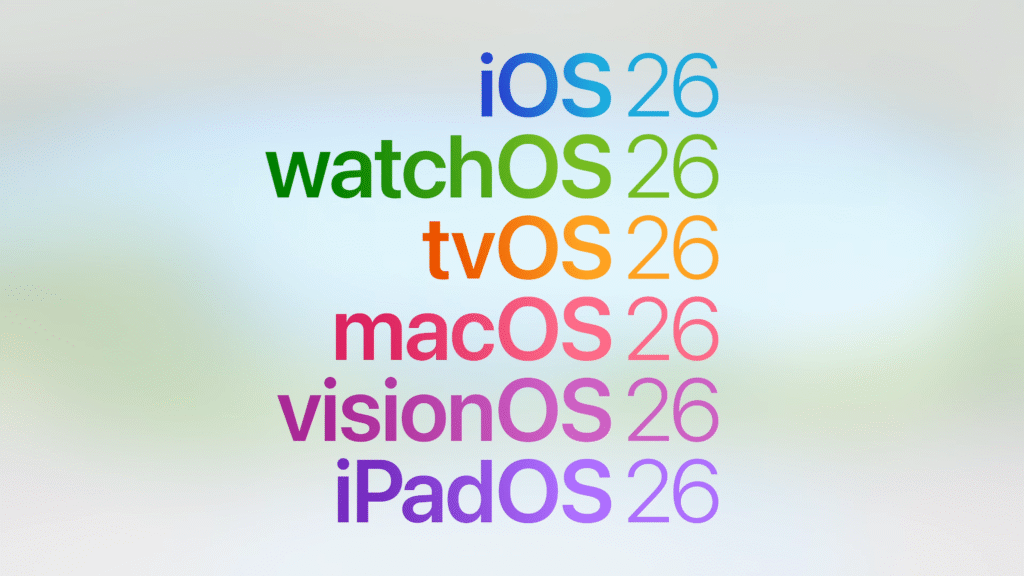
Apple WWDC 2025 came with gifts
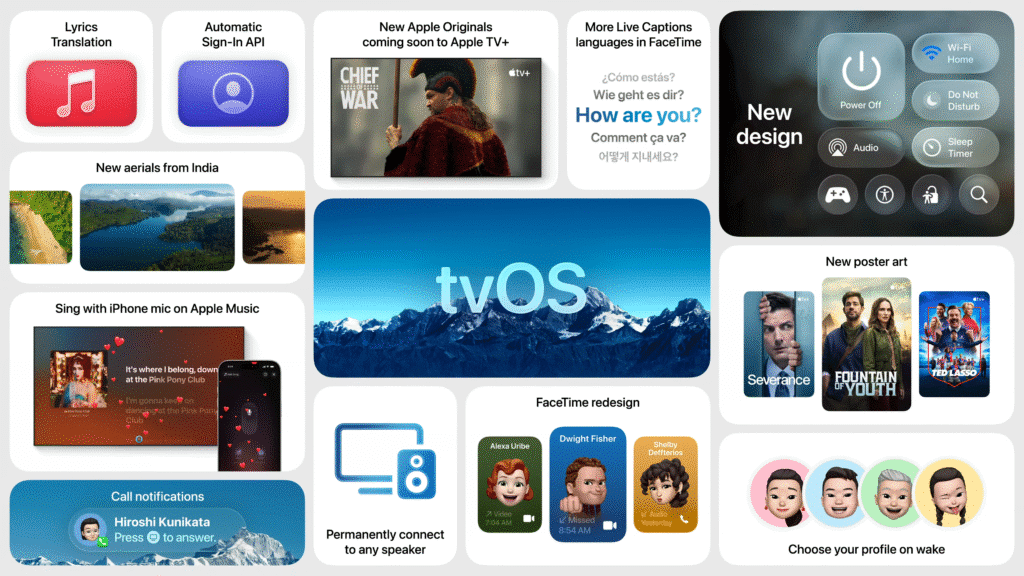
tvOS 26 – The Best Looking Apple TV Yet
- Liquid Glass UI: Visual depth, clarity, and animation.
- New Poster Art View in Apple TV App: More immersive browsing.
- Profiles Shown on Wake: Pick up where you left off.
- Apple Music Sing Upgrades: iPhone as mic, animated visuals.
- Auto Sign-In Across Apple Devices: Fewer logins required.
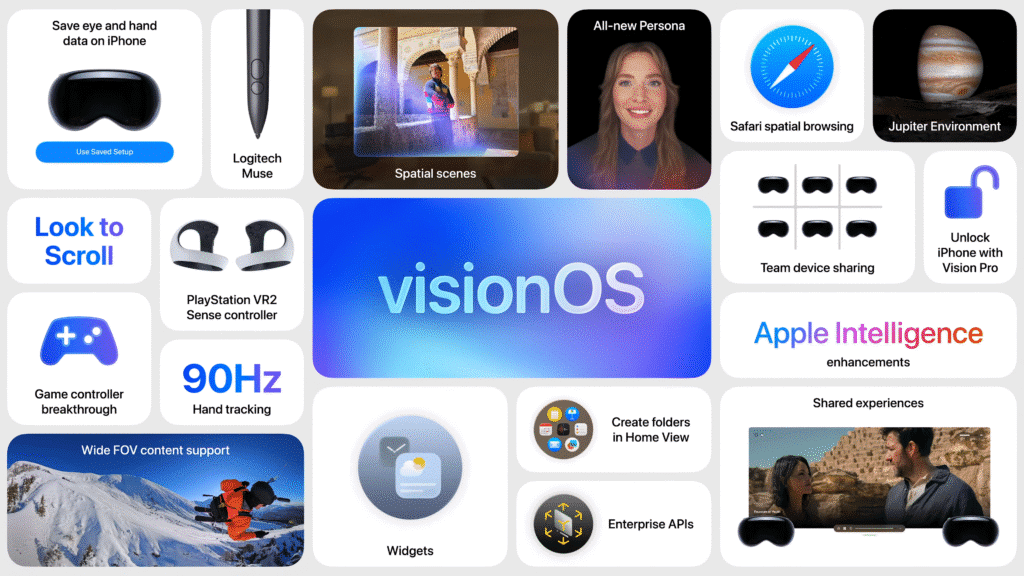
visionOS 26 – The Spatial Web Has Arrived To Apple WWDC 2025
- Spatial Widgets: Persistent and customisable in your 3D space.
- Spatial Scenes from 2D Photos: AI-rebuilt depth layering.
- Improved Personas: More realistic avatars generated on device.
- Two-Person Media Viewing: Watch together—even in same room.
- Logitech Muse Stylus: Precision 3D input pen.
- Premiere + Spatial Video Editing: Adobe Premiere now supports immersive editing.
- New Jupiter Environment: A cinematic, sci-fi spatial setting.
Developer Tools – Xcode and Foundation Models
- Foundation Models Framework: Build apps powered by Apple’s LLM across any Apple Silicon device.
- Xcode Enhancements:
- Natural language-based code suggestion.
- Swift Assist improvements.
- Built-in support for ChatGPT.
- Icon Composer: Create layered, Liquid Glass-compatible icons.

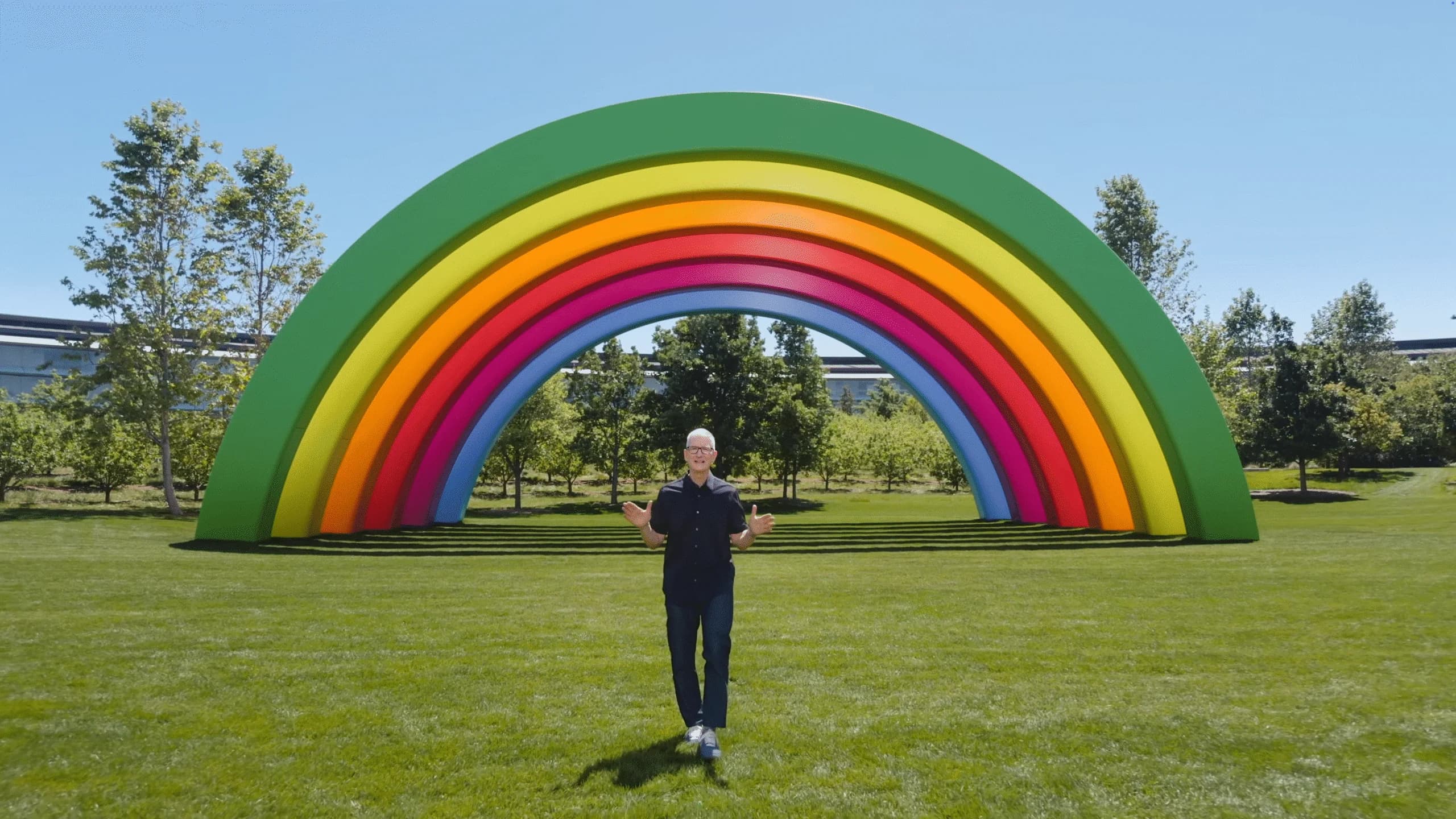
Tim Cook at Apple WWDC 2025
Apple WWDC 2025 delivered the deepest cross-platform transformation since iOS 7. From a cinematic F1 intro to radical redesigns and on-device AI, Apple has redefined what its devices look like, feel like, and think like.